ofxAddons


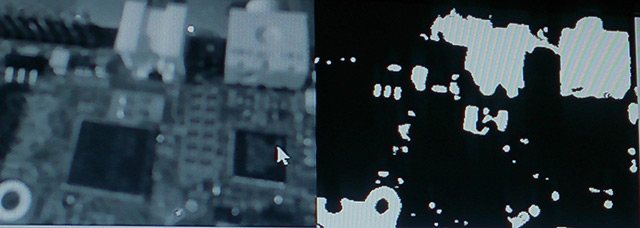
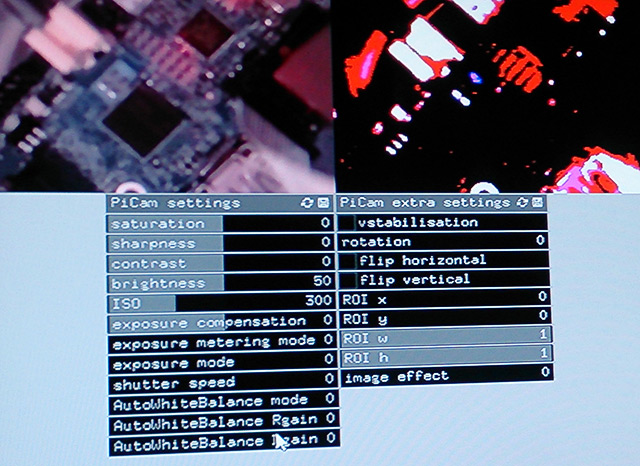
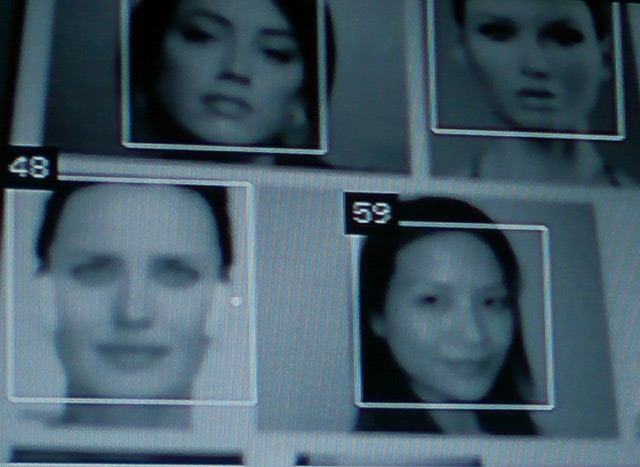
ofxCvPiCam is a minimal grabber for the Raspberry Pi Camera module. It uses the MMAL interface to grab frames and convert them the cv::Mat type which can be processed using the typical opencv calls.
Forks
Forks pushed to more recently than orgicus/ofxCvPiCam itself, plus any admin-confirmed fork with commits of its own — worth checking if you're hitting issues with the original.


README
Introduction
ofxCvPiCam is a minimal grabber for the Raspberry Pi Camera module. It uses the MMAL interface to grab frames and convert them the cv::Mat type which can be processed using the typical opencv calls.
I warmly recommend using Kyle McDonalds' ofxCv addon: it makes writing modern opencv code so much easier. The examples included uses ofxCv's ``
drawMat()to display cv::Mat objects in OpenFrameworks. You can of course use your prefered method.
In fact, excluding example-ofxCvPiCam and example-ofxCvPiCam-allSettings, examples are from ofxCv

Since this addon is intended for computer vision, you'll get the best results with the grayscale image
(which you will need most of the time). If you simply want to use the Pi Camera module in OpenFrameworks
without any computer vision please use Jason van Cleave's ofxRPiCameraVideoGrabber addon (GPU accelerated using OMX)

Installation

Either clone out the source code using git:

cd openFrameworks/addons/
git clone https://github.com/orgicus/ofxCvPiCam.git
Or download the source from GitHub here, unzip the folder, rename it from ofxCvPiCam-master to ofxCvPiCam and place it in your openFrameworks/addons folder.


Working with ofxCvPiCam

First initialize the grabber by passing the width,height and color mode(boolean: color = true, grayscale = false).
Use the grab()
`` method fetch a cv::Mat frame then carry on processing itNote sometimes frames can be skipped so it's best to check if the returned matrix is not empty.
Credits
This wrapper is mostly done by putting together the work ofSamarth Manoj Brahmbhatt, University of Pennsyalvania -> cv::Mat wrapper listed in his book: Practical OpenCV
Jason Van Cleave -> captureApplication mmal openframeworks demo
Developed at Hirsch&Mann