 ofxAddons

A draggable rectangle and a text box with background. Easy Help info boxes in your apps.
README
ofxSurfingBox
Overview
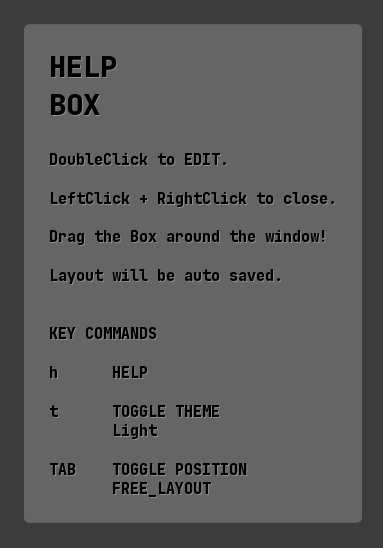
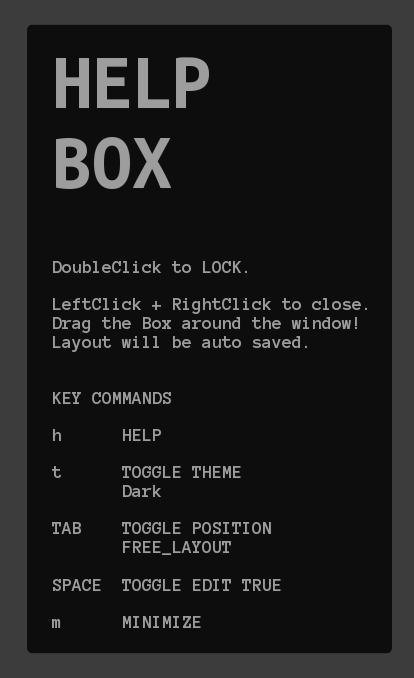
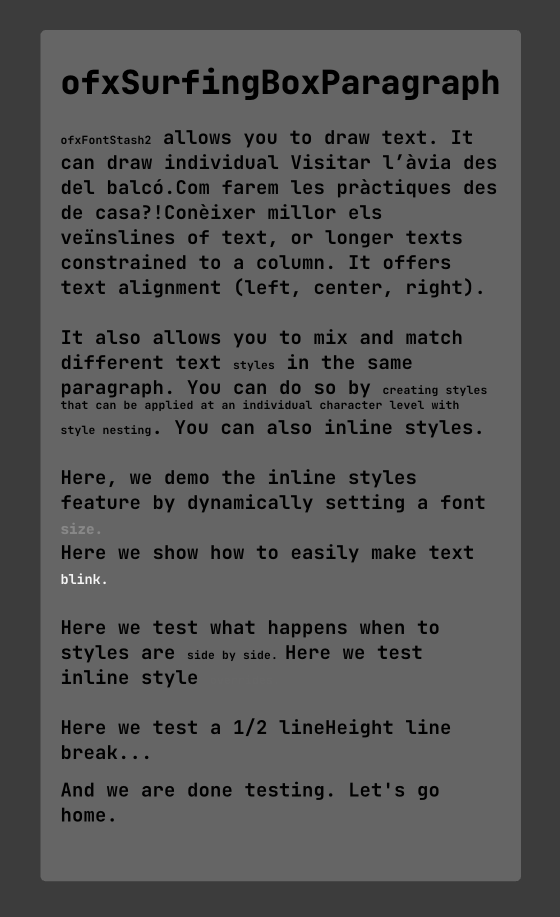
This add-on has three classes: 1. A draggable rectangle: ofxSurfingBoxInteractive 2. A draggable rectangle with text info: ofxSurfingBoxHelpText 3. Same but withFontstash with paragraph formatting with tag styles: ofxSurfingBoxParagraphScreenshots
Features
ofxSurfingBoxInteractive.h
- This class is like a draggable ofRectangle.
- It can be used as a viewport for a camera, a videoplayer, or like any ofRectangle.
- Can be placed into top, bottom, center, left... positions.
- Also can be positioned freely and scaled manually.
- Mouse wheel modifies the scale.
- Aspect ratio can be locked.
- Double click activates Editing or Locked modes:
- Auto stores and recall the settings between sessions.
ofxSurfingBoxHelpText.h
- This class draws the same, a draggable box with a filled background but with text.
- Useful to display Help Info boxes in your apps.
- Tittle font for the first text lines.
ofxSurfingBoxParagraph.h
- Same as
ofxSurfingBoxHelpTextwith powerful tag styling.
Usage
- See the examples.
Dependencies
ofxSurfingHelpers ofxFontStash2 / Only for using ofxSurfingBoxParagraph.Third Party add-ons bundled into ofxSurfingHelpers
Already added toOFX_ADDON/libs/. No need to add to PROJECT GENERATOR. ofxScaleDragRect / _Fork from roymacdonald_ ofxMSAInteractiveObject / _Fork from memo_