 ofxAddons

openFrameworks add-on to fast integrate an NDI Manager with 2xIN + 1xOUT + a Webcam device with a customizable canvas layout.
README
ofxNDIHelper
Overview
Helper add-on for openFrameworks to handle NDI 2 x Inputs / 1 x Output Ports, and input Webcam devices, to be drawn into a customizable Canvas Layout.
Distribute your NDI and Webcam Inputs to the Canvas Layout, at full screen or mini previews: _draggable and scalable_ by using the mouse.
Feed your oF drawing easily into a NDI Output Broadcasted to the Network.
Usage
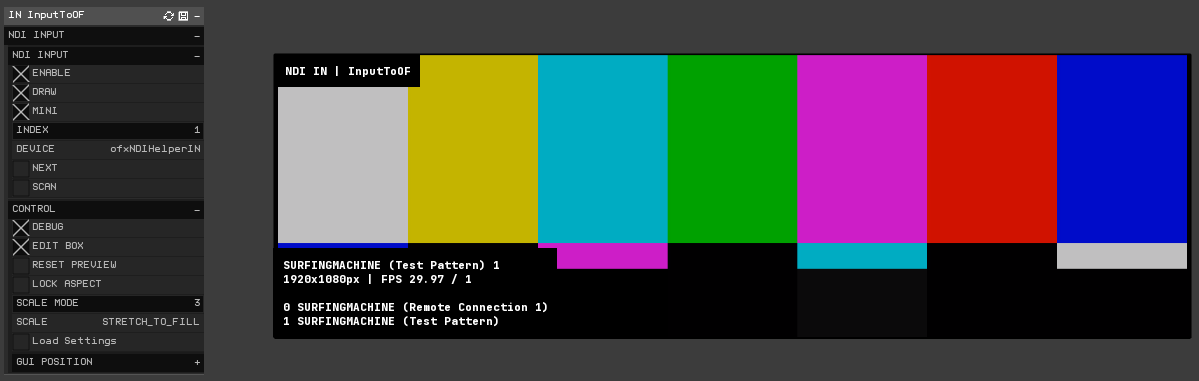
4_Example_Input
A received NDI Input drawing into oF.
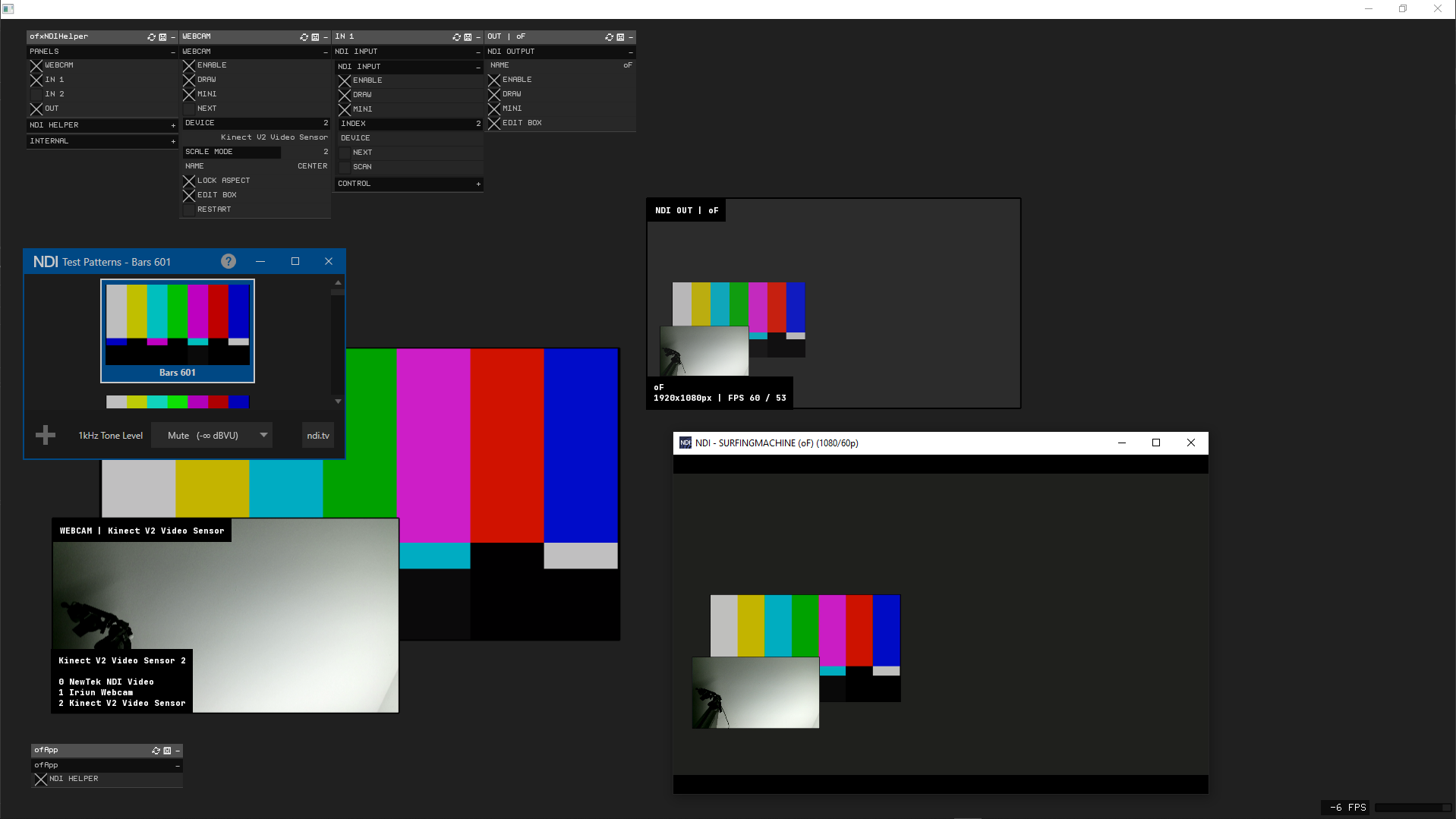
5_Example_Full
All the incoming channels are drawn into a Canvas Layout, and sent to an NDI Output. Broadcasted to the network and previewed into an NDI Monitor App. Also receiving an NDI Pattern generator as an NDI Input, to be drawn into oF.
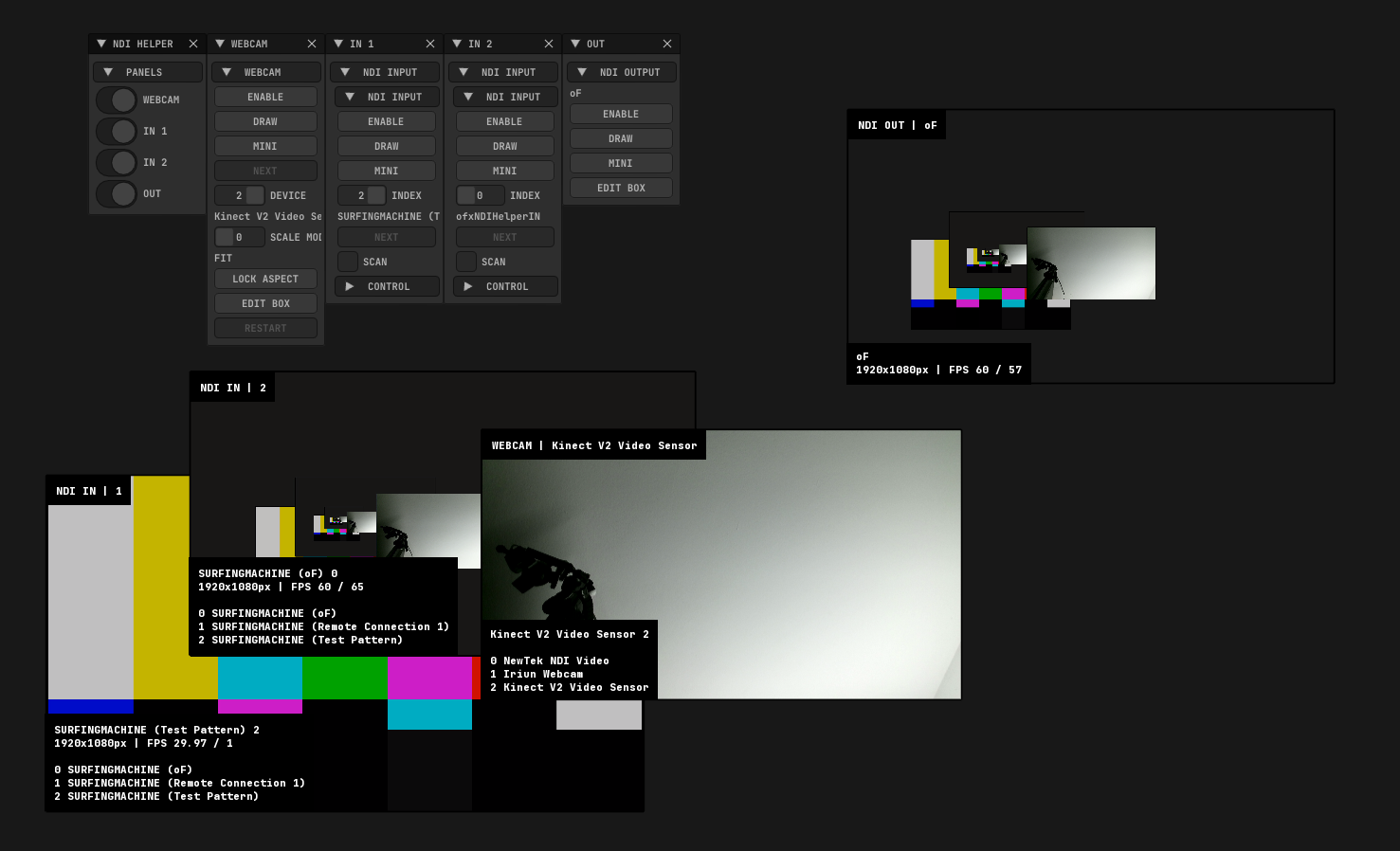
6_Example_ImGui
Using ImGui instead of ofxGui. ``
.cpp ndi.setup(); ndi.setMode_ImGui();
Features
- Add an NDI Manager to your apps fast.
- 1 Webcam INPUT + 2 NDI INPUTS + 1 NDI OUTPUT.
- List, select and draw NDI INPUT Devices from, feed to an OUTPUT, and draw or route a Webcam device too.
- Draggable and scalable Mini Previews Layout.
- Auto store and recall all the settings.
Usage:
Look Examples for ofxGui or ImGui modes.
.cpp include "ofxNDIHelper.h"
ofxNDIHelper NDIHelper;
void ofApp::setup() { NDIHelper.setup(); }
void ofApp::update() { // Draw inside to feed the NDI Video Output. // that's the signal we will send! NDIHelper.begin_NDI_OUT(); { // Draw Scene } NDIHelper.end_NDI_OUT(); }
void ofApp::draw() { // Draw the full Canvas layout, // with all the enabled devices/channels drawn. // Like Preview Monitors and/or Full Screen previews, // with help/debug info included. NDIHelper.draw();
// Gui Settings NDIHelper.draw_Gui(); } ``Dependencies
- ofxNDI / (macOS requires installing the Runtime, not only NDI Tools)
- ofxSurfingHelpers / For WebCam class helper and settings serializers.
- ofxSurfingBox / For preview rectangle editing: scale and drag the viewports panels.
- ofxChildFrame / Optional. It can be disabled. Used to zoom/pan the WebCam viewport.
- ofxSurfingImGui / Optional. We can use only ofxGui too.
- ofxGui / OF Core (Remove ofxNDIHelper/src/ImGui from the project when not using ofxSurfingImGui. WIP/TODO improve approach)
<details> <summary>For examples only. Not required</summary> <p>
ofxWindowApp ofxSceneTEST
</p>
</details>
<details>
<summary>How to start? New to NDI?</summary>
<p>
1. You should install the NDI Tools. It's a bundle of apps. 2. Run an NDI Studio Monitor app to preview what is being sent through the NDI OUTPUT. 3. You can run an NDI Test Pattern to feed a signal into the NDI INPUT of the add-on. 4. Have fun with sources toggles on the add-on GUI to explore combinations, while looking at the NDI OUT Preview or the NDI Studio Monitor video. 5. NDI works locally or on local or remote networks. 6. NDI Screen Capture app does live desktop capture to NDI. 7. NDI Webcam Input converts NDI ports to a virtual camera to use on OBS/Zoom/Skype.
</p>
</details>
Tested Systems
- Windows 10 / VS 2022 / OF 0.12+
- macOS 11.6.7 Big Sur / Xcode 13.2.1 / oF 0.11.2
Author
moebiusSurfing, 2020-2022. ( ManuMolina )License
MIT LicenseGet this addon
Latest release
v1.1
published 2y ago
- many updates and fixes.
- currently, webCam is disabled by default bc OF master branch errors.