 ofxAddons


t-SNE dimensionality reduction technique for openFrameworks
Forks
Forks pushed to more recently than genekogan/ofxTSNE itself, plus any admin-confirmed fork with commits of its own — worth checking if you're hitting issues with the original.


README
ofxTSNE
ofxTSNE is an addon for openframeworks which wraps the t-SNE (t-Distributed Stochastic Neighbor Embedding) algorithm by Laurens van der Maaten.
t-SNE is a technique for reducing the dimensionality of large, high-dimension datasets, typically to 2 or 3 dimensions. It has a similar function to Principal Component Analysis (see ofxPCA) which reduces a dataset's dimensionality by reorienting it along its principal axes, but differs in that it tends to better preserve point-wise distances, making it more suitable for visualization of high-dimensional data.
ofxTSNE is very simple to run, containing only one function. The harder part is getting data.
Examples
basic example
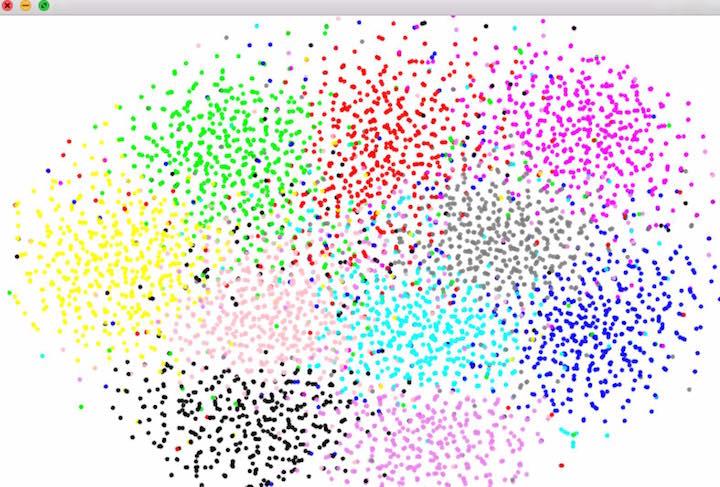
example demonstrates how to use ofxTSNE by constructing a toy 100-dim dataset. It contains comments explaining what the parameters do and how to set them.clever hack: try setting D=3 and instead of making points clustered around 10 centers, make the points random 3d points and map the point's color linearly from its 3d position.
clustering images
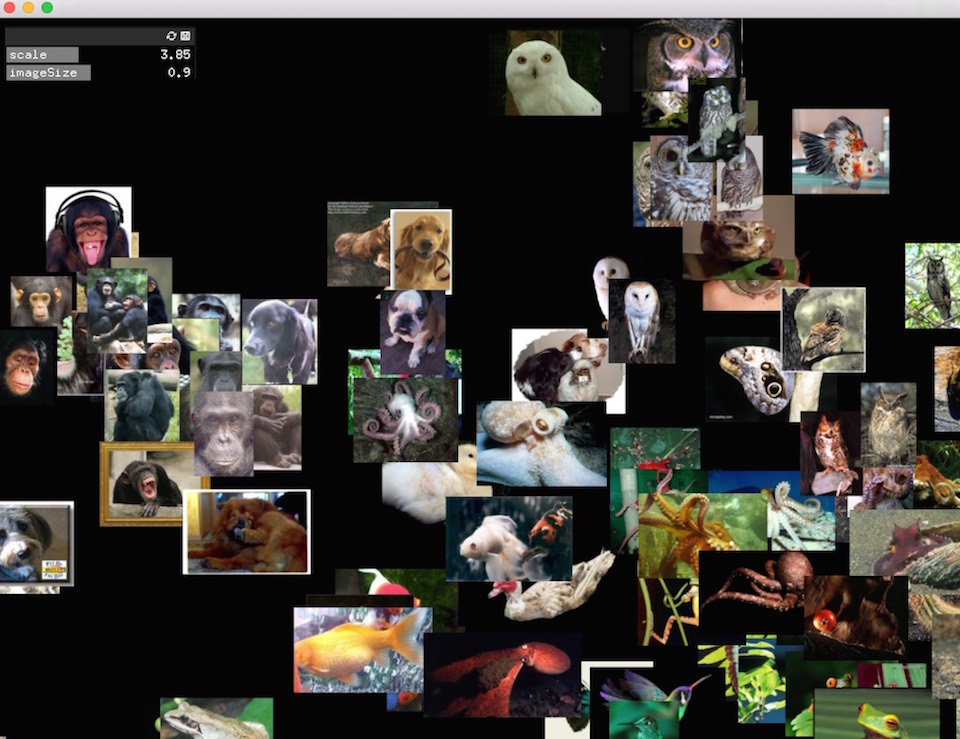
example-images applies t-SNE to a directory of images. It uses ofxCcv to encode each image as a compact (4096-dim) feature vector derived from a trained convolutional neural network. The resulting representation captures high-level similarities among images, enabling ofxTSNE to group them effectively according more to content (e.g. images of cats get clustered together), relatively invariant to changes in color, lighting, position, etc. To run this example, you need to take a few extra steps.
1) Get ofxCcv 2) run the setup_ccv script to download the trained convnet.
sh setup_ccv.sh
3) Then you need to populate a folder called 'images' inside your data folder. Be careful to use small-sized images because the entire directory will be loaded into memory. I've provided a script which downloads 20 images each from 31 categories in Caltech-256. If you'd like to download those, run:
python download_images.py Or if you want to download a set of animals from the same source, open
download_images.py and change the line categories = categories_random to categories = categories_animals. gridding images
example-imagesGrid is exactly as above but adds an extra step of assigning the t-SNE points to a grid and saving the output (as in below, see here for high-res), using ofxAssignment.