 ofxAddons

Single Shot Multibox Detection for Openframeworks
README
ofxMobileNetSSD
This project was merged into ofxOpenCvDnnObjectDetection ( https://github.com/TetsuakiBaba/ofxOpenCvDnnObjectDetection ), therefore, it is not maintained any more.
Description
ofxMobileNetSSD is a SSD(Single Shot Multibox Detection) with a voc mobilenet model addon for openframeworks. Please refer Tensorflow Object Detection API for more details. https://github.com/tensorflow/models/tree/master/research/object_detectionOpenCV v.3.4.2 or upper includes object_detection dnn library ( https://github.com/opencv/opencv/tree/master/samples/dnn ) in their own package. Therefore I designed ofxMobileNetSSD with OpenCV v.3.4.2 or upper version.
I created this addon for beginers or learner who are going to try object detection with SSD on OF.
Usage
See Examplescamera
Realtime Detection example for webcam video. It runs around 15-19 fps on my MacBook Pro ( 13-inch, 2016 )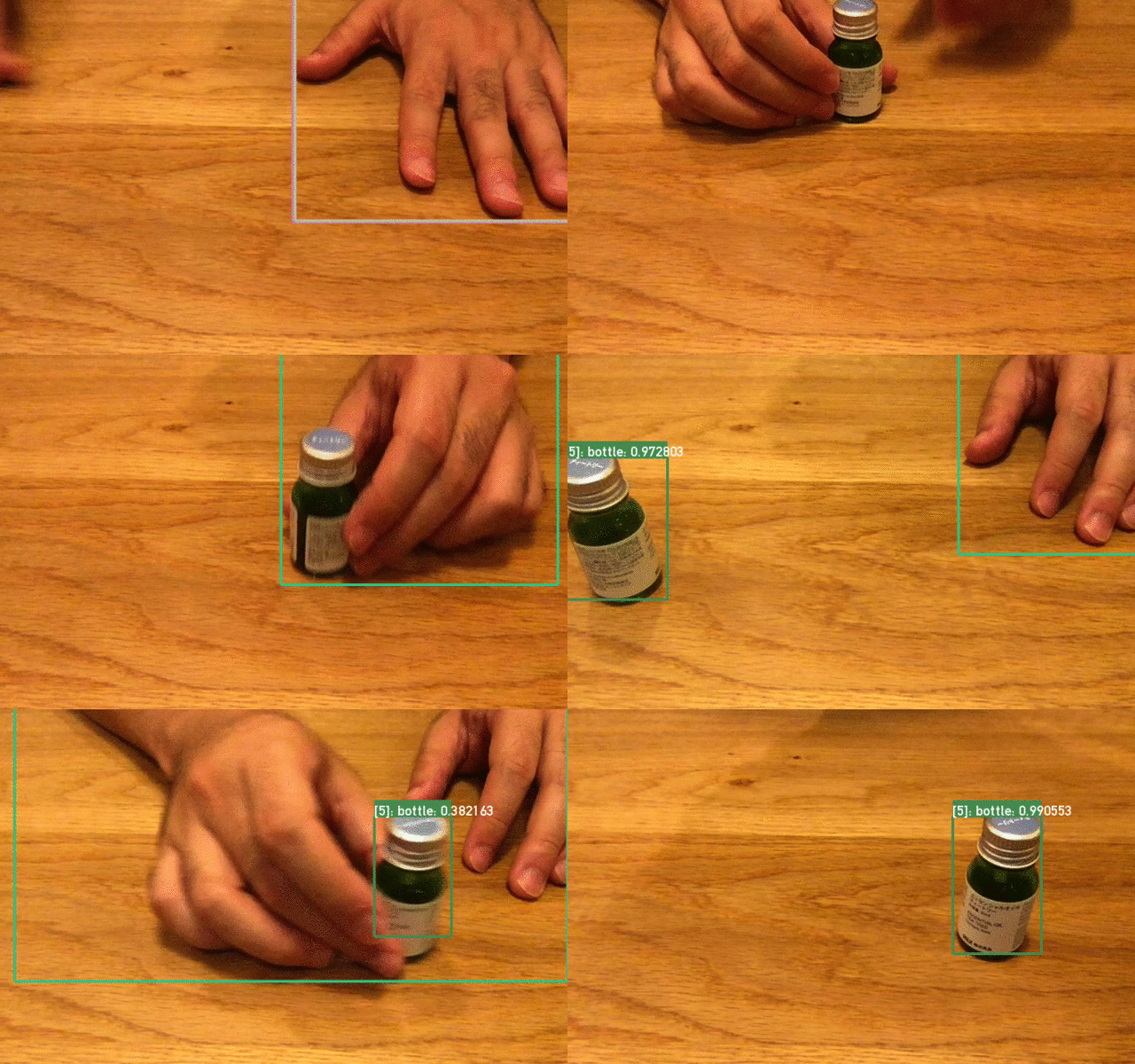
Install
1. Install OpenCV by brew.
$ brew install opencv
2. Determin your opencv version
Based on OpenCV version, Please re-write ofxMobileNetSSD/addon_config.mk file. End of the file, there are some description about opencv path for your system. Please re-write the version according to your OpenCV version. Current (2018/7/28) is 3.4.2, If you find other version on your directory tree, /usr/local/Cellar/opencv , please do not forget fill in the correct version on the addon_config.mk file. You can get your current opencv version by typing below command.$ ls /usr/local/Cellar/opencv
3. Import and update camera example folder by projectgenerator.
4. Run
Compatibility
- only macOS ( tested on Hight Sierra and Sierra)
- of version: 0.9.8