 ofxAddons


FBX SDK addon for OpenFrameworks
Forks
Forks pushed to more recently than NickHardeman/ofxFBX itself, plus any admin-confirmed fork with commits of its own — worth checking if you're hitting issues with the original.

README
ofxFBX
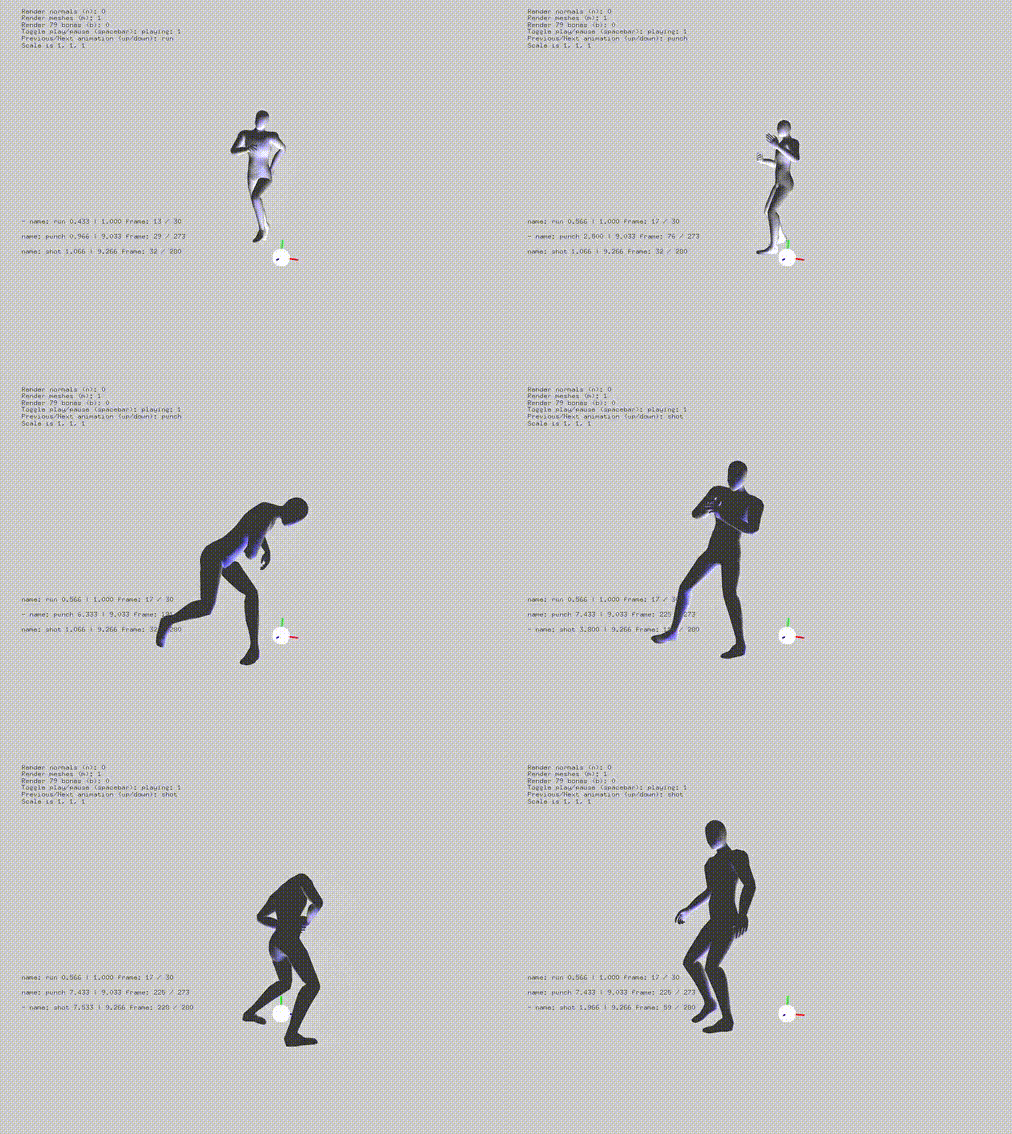
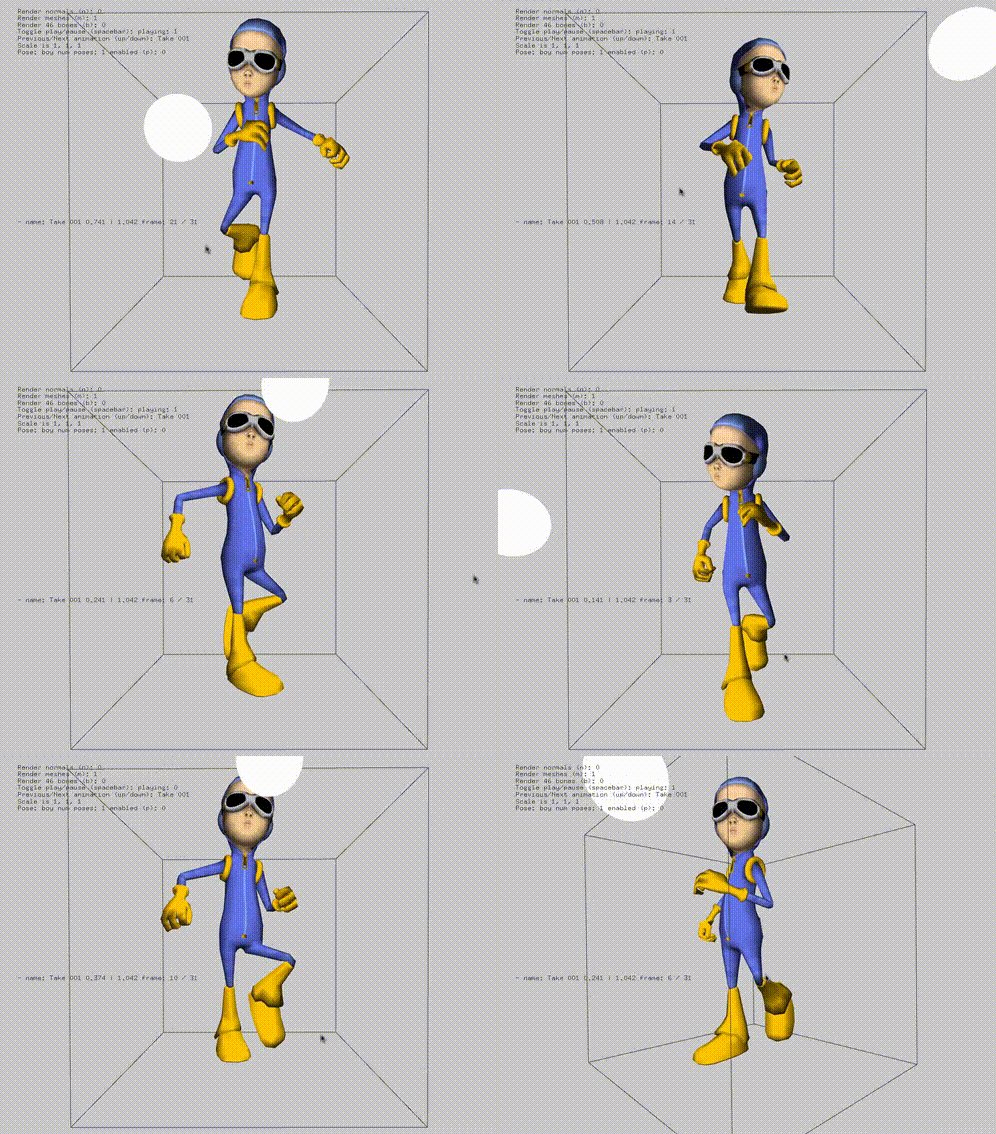
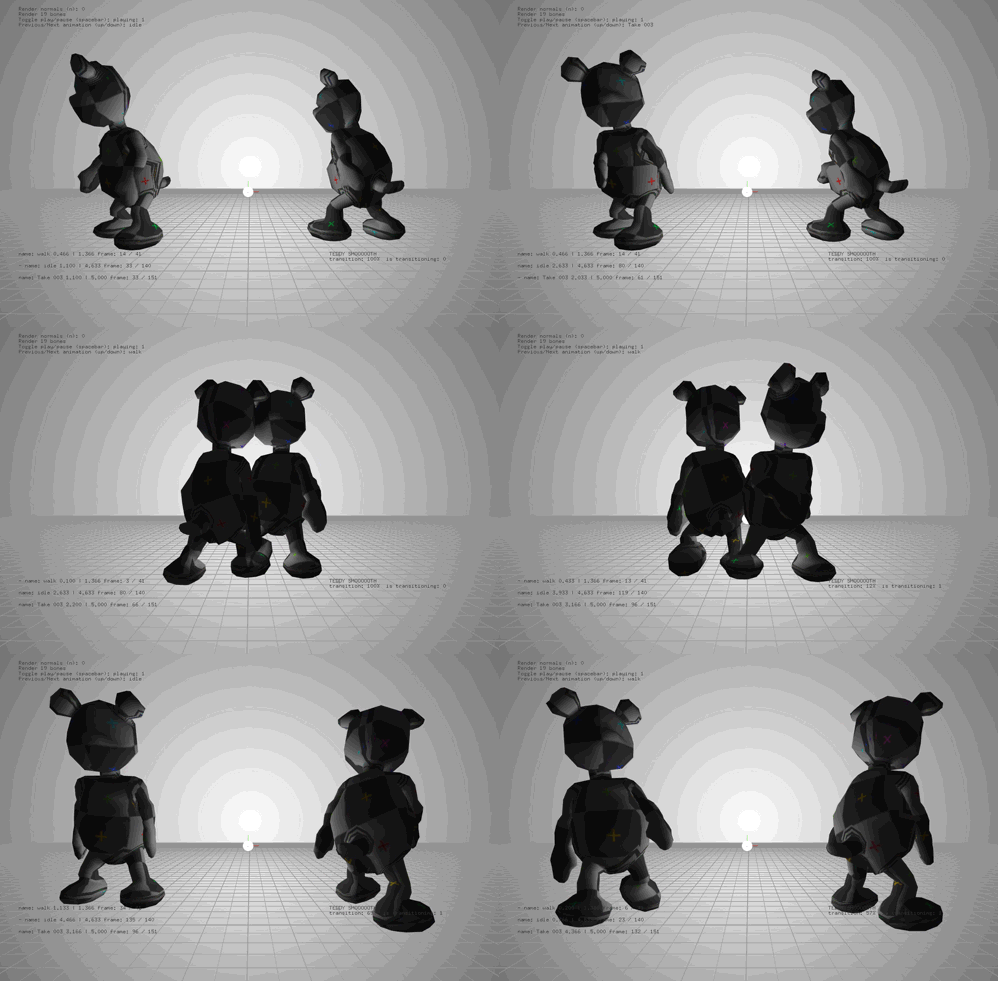
Updated to maintain the hierarchy of the fbx file. Added getter / search functions. Not compatible with older versions of the addon. Currently supporting OSX (x86_64 and arm64), iOS (x86_64, armv7, armv7s and arm64), Windows Visual Studio (x64) Linux and Linux64. Tested with OF >= v0.11.2. Please check older releases for compatibility with older versions of OF. Linux support with help from @themancalledjakob
Features include: Multiple Animations with individual control External Bone Control with Animations Linear Bone Animation Blending between two animations Define animations Textures Materials Cached meshes and scenes for faster rendering Individual mesh manipulation Enable and disable rendering of certain assets in the scene Caching of mesh animations Getter / search functions Maintains fbx hierarchy Scene caching for faster loading of the same scene multiple times Conversion to different units
If you have a fbx with a single animation that needs to be broken up into separate animations, you can try the following:
mScene.load( "Alligator.FBX", tsettings );mScene.clearAnimations();mScene.addAnimation("SwimBite", 81, 100 );mScene.addAnimation("Swim", 61, 80 );iOS Notes
The example projects include a ofApp.cpp and main.cpp. The project generator will be looking for ofApp.mm and main.mm. Please add the .cpp versions. You will need to tell the compiler to treat them as Objective-C++. Click on ofApp.cpp and then select Objective-C++ from the drop down menu. Do the same for main.cpp. (see below image.)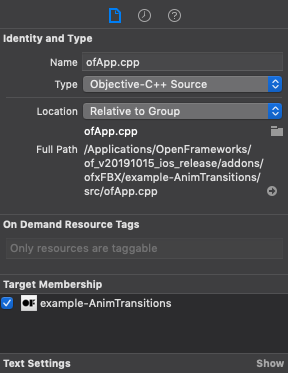
Linux Notes
To compile in Debug mode run linux install script with debug:ofxFBX/scripts/ci/linux/install.sh debug you'll be asked to accept EULA during install.To switch back to release, run same script without
debugThe FBX SDK does not ship with xml2 or zlib anymore. They can be installed using the following commands.
To install zlib:
sudo apt install zlib1glibxml2:
sudo apt-get install libxml2The libxml2 dev files may be needed
sudo apt-get install libxml2-devBlender workflow.
Using Blender 2.63, the FBX exporter is not fully featured and there are known bugs that may be fixed in the future. Apply any transformations before exporting using ctrl + A. http://wiki.blender.org/index.php/User:Fade/Doc:2.6/Manual/3D_interaction/Transform_Control/Reset_Object_TransformationsWhen exporting, be sure to set the _Forward_ to _Y Forward_ and the _Up_ to _Z Up_.


Get this addon
Latest release
Works with FBX libs 2019.5 and tested up to OF 0.11.2. Has Windows, Linux, iOS and OSX libs.