 ofxAddons


Extended build of the Ofelia Pure Data external for using openFrameworks and Lua within Pd patches.
README
Ofelia
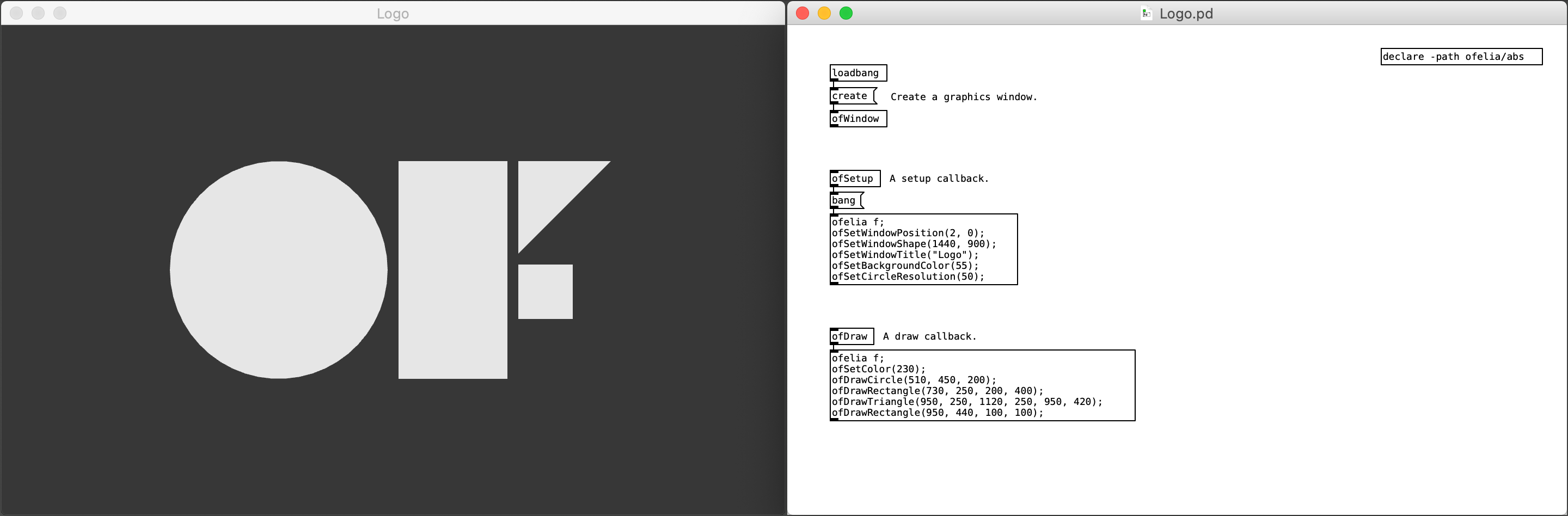
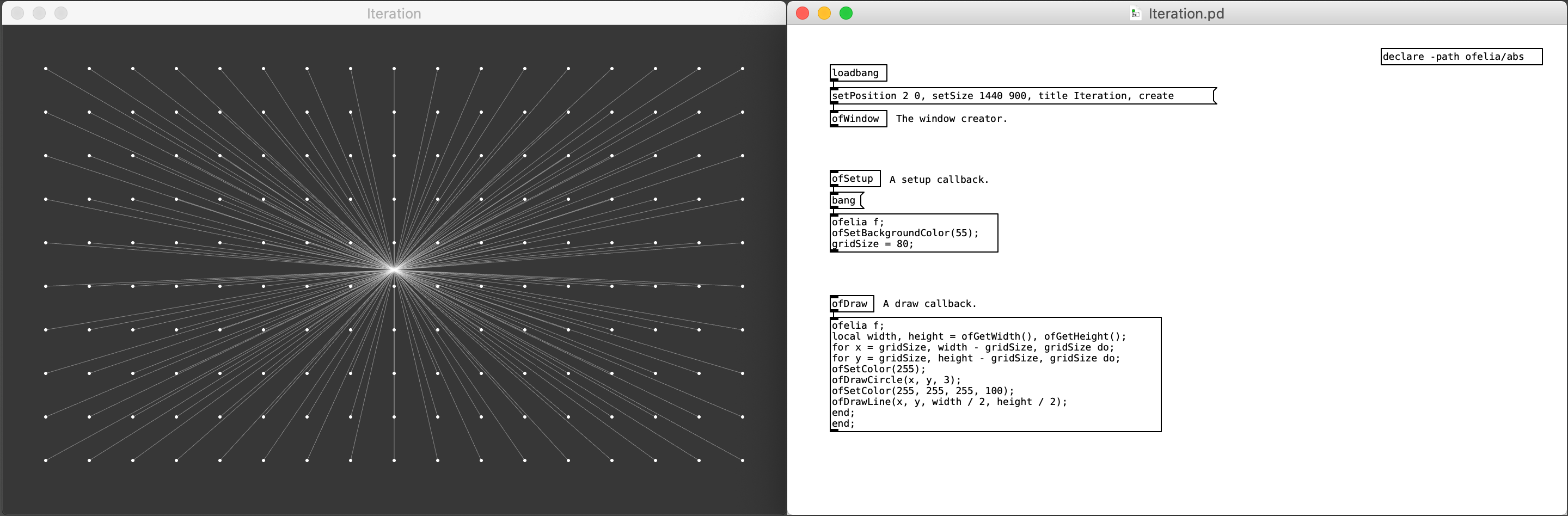
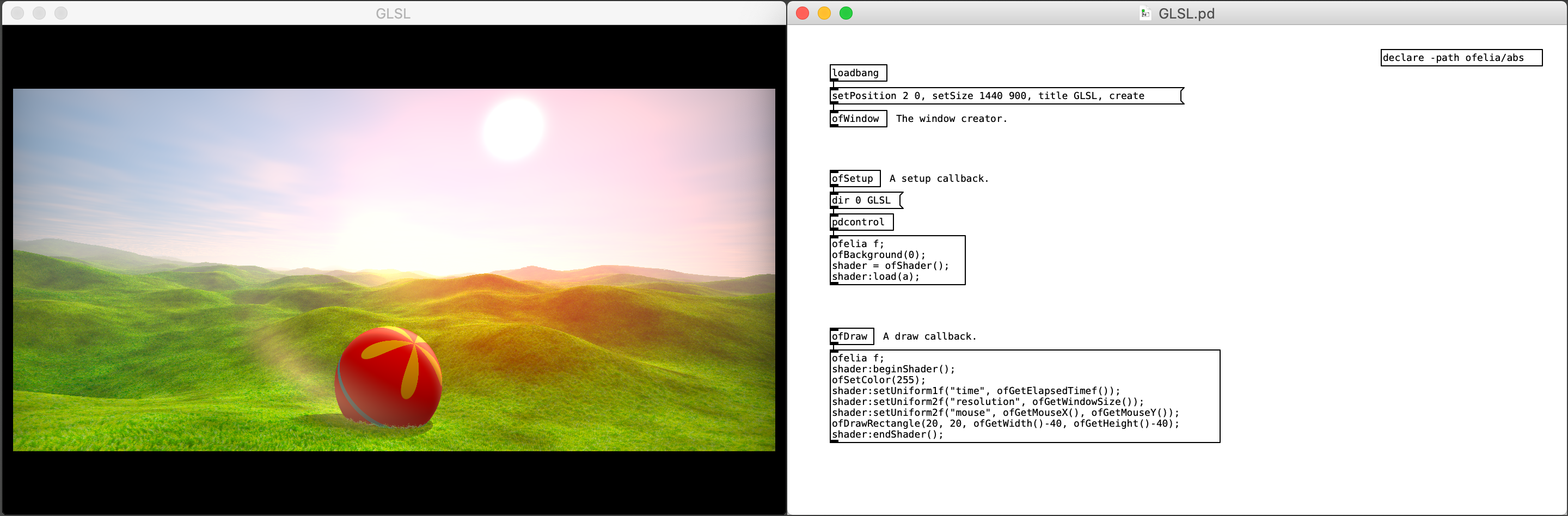
Description
Ofelia is a Pd external which allows you to use openFrameworks and Lua within a real-time visual programming environment for creating audiovisual artwork or multimedia applications such as games.openFrameworks is an open source C++ toolkit for creative coding.
Lua is a powerful, efficient, lightweight, easy-to-learn scripting language.
Pure Data(Pd) is a real-time visual programming language for multimedia.
Thanks to Lua scripting feature, you can do text coding directly on a Pd patch or through a text editor which makes it easier to solve problems that are complicated to express in visual programming languages like Pd. And unlike compiled languages like C/C++, you can see the result immediately as you change code which enables faster workflow. Moreover, you can use openFrameworks functions and classes within a Lua script.
Using Ofelia, you can flexibly choose between patching and coding style based on your preference.
The external is available to be used under macOS, Windows, Linux and Raspberry Pi.
Installation
Make sure you have Pure Data installed on your desktop. Start Pd and go toHelp -> Find externals, then search for ofelia Select the latest version of Ofelia to download and install. Try opening patches inside downloaded ofelia/examples directory. (Windows) If the library fails to load, open vc_redist executable file inside ofelia directory to install Microsoft Visual C++ Redistributable packages. And if video examples don't work properly, try installing the K-Lite Codec Pack. (Linux / Raspberry Pi) If the library fails to load, open the Terminal and run the following command to install dependencies. <pre>cd ofelia/scripts/distro_name sudo ./install_dependencies.sh</pre> You can also download the externals from https://github.com/cuinjune/Ofelia/releases--------------
ofxOfelia
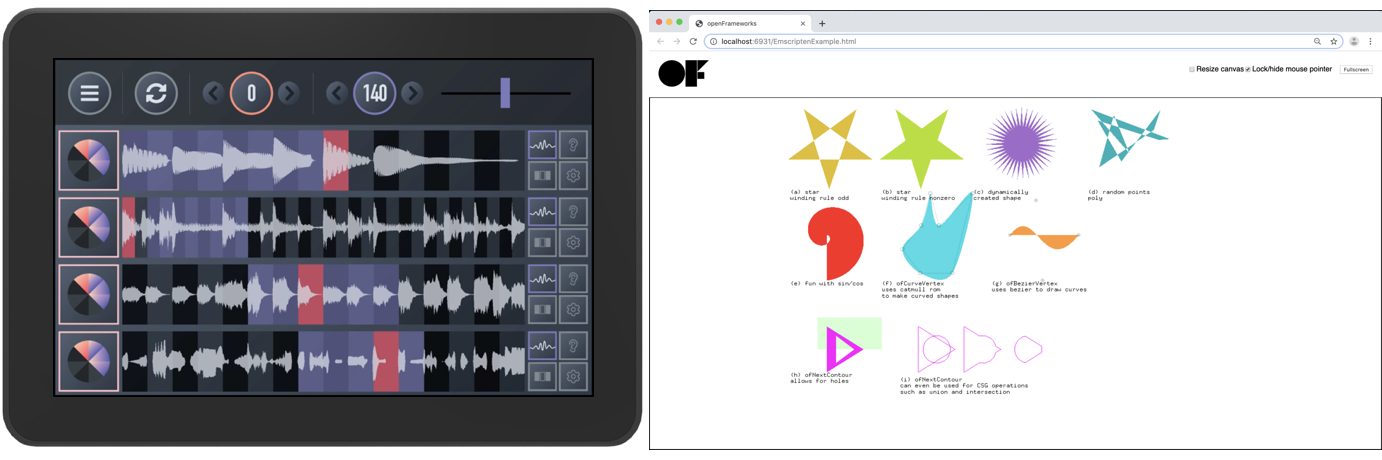
Description
ofxOfelia is Ofelia packaged as an openFrameworks addon which enables you to create a standalone (macOS, Windows, Linux, Raspberry Pi, iOS and Android) or web application that can run Pd patches made with Ofelia and Pd vanilla objects.
You can share the application with a wide range of audiences including mobile device, internet and non-Pd users.
Build Requirements
In order to use ofxOfelia, you first need to download and install openFrameworks. Please follow the setup guides to download and install openFrameworks 0.11.0 which is the most recent stable release.The following tools are used to build ofxOfelia project.
macOS / iOS: Xcode. Linux / Raspberry Pi: Makefile. Windows: Visual Studio Community 2017. Android: Android Studio.
Setup guide
Make sure you have openFrameworks setup on your desktop. Download ofxOfelia_targetOS.zip and rename the extracted folder toofxOfelia.Place the folder within the directory
OF/addons. ("OF" indicates the base directory of openFrameworks) (Linux 64bit) Open the Terminal and run the following to update openFrameworks. <pre>cd OF/addons/ofxOfelia/scripts/Linux64 sudo ./updateOF.sh</pre> Building the external
(macOS) OpenOF/addons/ofxOfelia/macOSExternal/ofelia.xcodeproj with Xcode and build the project. (Windows) Open OF/addons/ofxOfelia/WindowsExternal/ofelia.sln with Visual Studio and build the solution. (Linux / Raspberry Pi) Open the Terminal and run the following command to build the project. <pre>cd OF/addons/ofxOfelia/LinuxExternal make</pre> Copy the generated binaries from OF/addons/ofxOfelia/(targetOS)/bin into the Pd externals directory.Running the standalone example
(macOS) OpenOF/addons/ofxOfelia/macOSExample/macOSExample.xcodeproj with Xcode and run the project. (Windows) Open OF/addons/ofxOfelia/WindowsExample/WindowsExample.sln with Visual Studio and run the solution. (Linux / Raspberry Pi) Open the Terminal and run the following command to run the project. <pre>cd OF/addons/ofxOfelia/LinuxExample make && make RunRelease</pre> (iOS) Open OF/addons/ofxOfelia/iOSExample/iOSExample.xcodeproj with Xcode and run the project. (Android) Open Android Studio, select Open an existing Android Studio project and open OF/addons/ofxOfelia/AndroidExample and run the project.Creating your own standalone project
Copy an example project fromOF/addons/ofxOfelia and paste it into OF/apps/myApps directory. Rename the project and folder to your liking. Replace Pd patches and data in yourProject/bin/data/pd with your files. Build the project and find the executable file in yourProject/bin directory.Running the Emscripten example in a web browser
Download the latest nightly build of openFrameworks. Download ofxOfelia_Emscripten.zip and rename the extracted folder toofxOfelia.Place the folder within the directory
OF/addons. ("OF" indicates the base directory of openFrameworks) (macOS / Linux) Open the Terminal and run the following to update openFrameworks. <pre>cd OF/addons/ofxOfelia/scripts/Emscripten sudo ./updateOF.sh</pre> Install Emscripten following the setup guide. Run the following command to run the project in your browser. <pre>cd OF/addons/ofxOfelia/EmscriptenExample emmake make emrun bin/EmscriptenExample.html</pre>Developing ofxOfelia
You can help develop ofxOfelia on GitHub: https://github.com/cuinjune/ofxOfeliaCreate an account, clone or fork the repo, then request a push/merge.
Feel free to contact the author if you have any questions or suggestions.
--------------
Projects that used Ofelia
Bruno Rohde: ESMERIL. Mike Moreno: Paths. Chris Niven: BILL JOBS CYBER RADIO. Laure M. Hiendl: Ten Bullets Through One Hole. Virtual Insight: World of Piano. The Center for Haptic Audio Interaction Reseach: Instrument development.Acknowledgements
Miller Puckette and the Pd community for developing and maintaining Pd; Arturo Castro, Theodore Watson and the OF community for developing and maintaining openFrameworks; Dan Wilcox for developing ofxLua, ofxPd and ofxMidi addons which Ofelia/ofxOfelia uses; IOhannes M Zmölnig for developing GEM which has greatly influenced Ofelia; Daniel Shiffman and the Processing Foundation for providing many examples which Ofelia copied; Henri Menke for answering so many questions about integrating Lua into C++;- Many others who contributed to the development of Ofelia.
Author
Copyright (c) 2018 Zack Lee: <cuinjune@gmail.com>GNU General Public License v3.0
For information on usage and redistribution, and for a DISCLAIMER OF ALL WARRANTIES, see the file, "LICENSE.txt," in this distribution.
Get this addon
Latest release
ofeliaExtended-Win64-20250127
published 1y ago